Logistics Route Distance Calculator
Plan Smarter with a Logistics Route Distance Calculator
In the fast-paced world of shipping and delivery, efficiency is everything. Whether you’re a small business owner coordinating local drop-offs or a logistics manager handling cross-country shipments, having the right tools can make or break your day. That’s where a reliable delivery route planner comes in handy. It takes the hassle out of mapping out multiple stops, ensuring you’re not wasting time or resources on inefficient paths.
Why Route Planning Matters
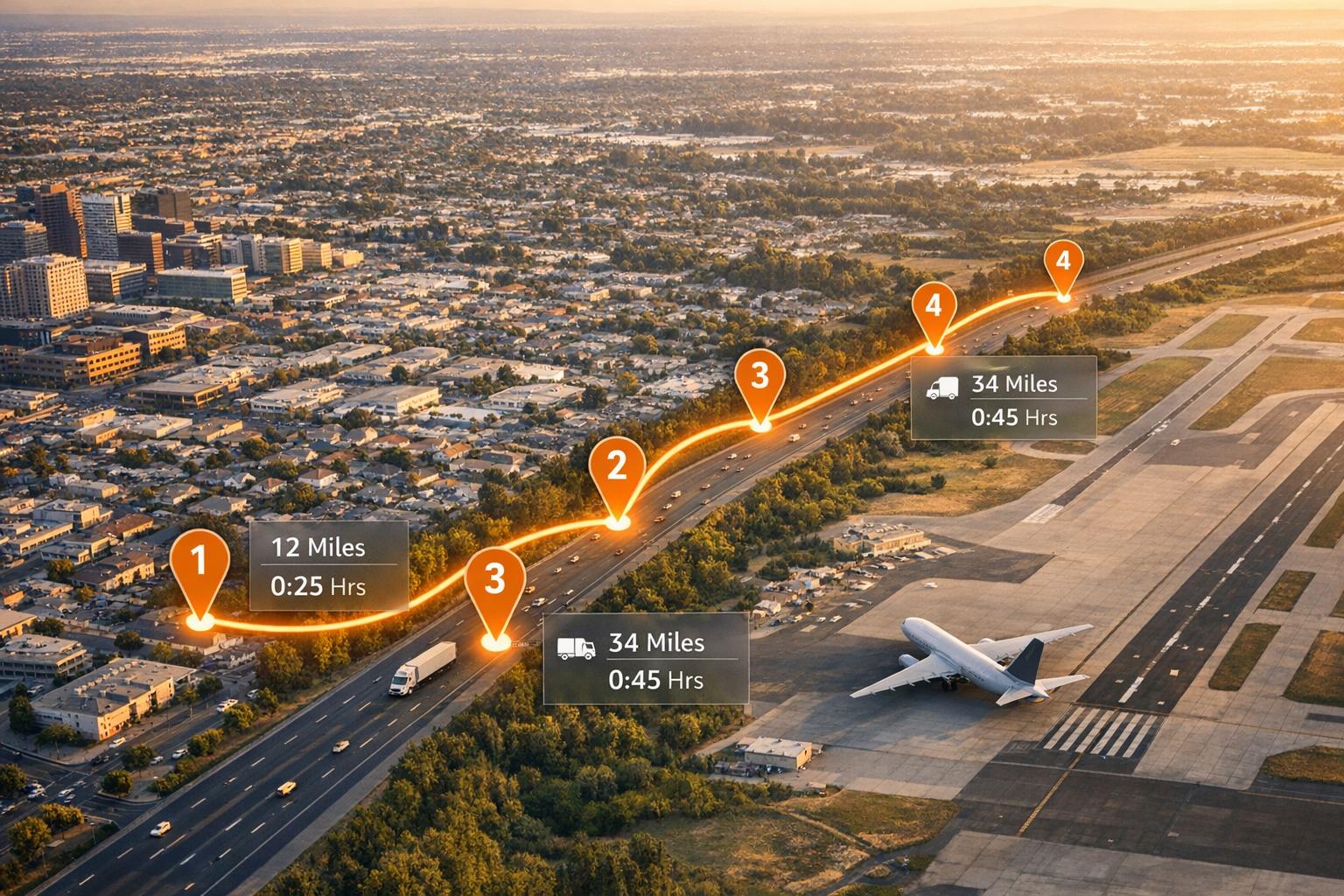
Optimizing your travel path isn’t just about cutting down miles—it’s about saving on fuel costs, reducing wear on vehicles, and meeting tight deadlines. With a tool that calculates distances and estimates travel times across different modes like truck, car, or even air, you’re equipped to make informed decisions. Imagine plotting a journey with up to five stops and instantly knowing the total distance and how long each leg will take. It’s a simple way to bring clarity to complex logistics challenges.
Tailored for Your Needs
From small fleets to solo drivers, a route distance calculator fits a variety of use cases. Choose your transport mode, input your locations, and let the tool do the heavy lifting. It’s built to help you stay ahead in a competitive field, one efficient route at a time.
FAQs
How accurate are the distance and time estimates in this calculator?
Our tool uses a simplified flat rate of 100 miles between major cities as a placeholder when a distance API isn't available. While this gives a decent rough estimate for planning, actual distances might vary. For time estimates, we factor in average speeds—50 mph for trucks, 60 mph for cars, and 500 mph for air with an added 2 hours for airport processing. It’s best to treat these as a starting point and adjust based on real-world conditions like traffic or weather.
Can I add more than 5 stops to my delivery route?
Right now, the tool caps the number of stops at 5 to keep calculations manageable and focused on smaller-scale logistics needs. If you try to add more, you’ll get a friendly error message guiding you to trim down your list. For larger routes, consider breaking them into multiple calculations or reaching out for a custom solution. We’re always open to feedback if you need expanded features!
What happens if I enter an invalid location?
No worries! If a location can’t be recognized or doesn’t make sense, the tool will pop up with a helpful message letting you know what went wrong. It’ll guide you to double-check your input or try a different format, like including a state or country for clarity. We’ve designed it to be forgiving so you can quickly fix errors and get back to planning your route.
Related Articles

AI Inventory Integration for Multi-Warehouse 3PL

Cross-Border Customs Forms: Checklist