
Warehouse Location Analyzer Tool
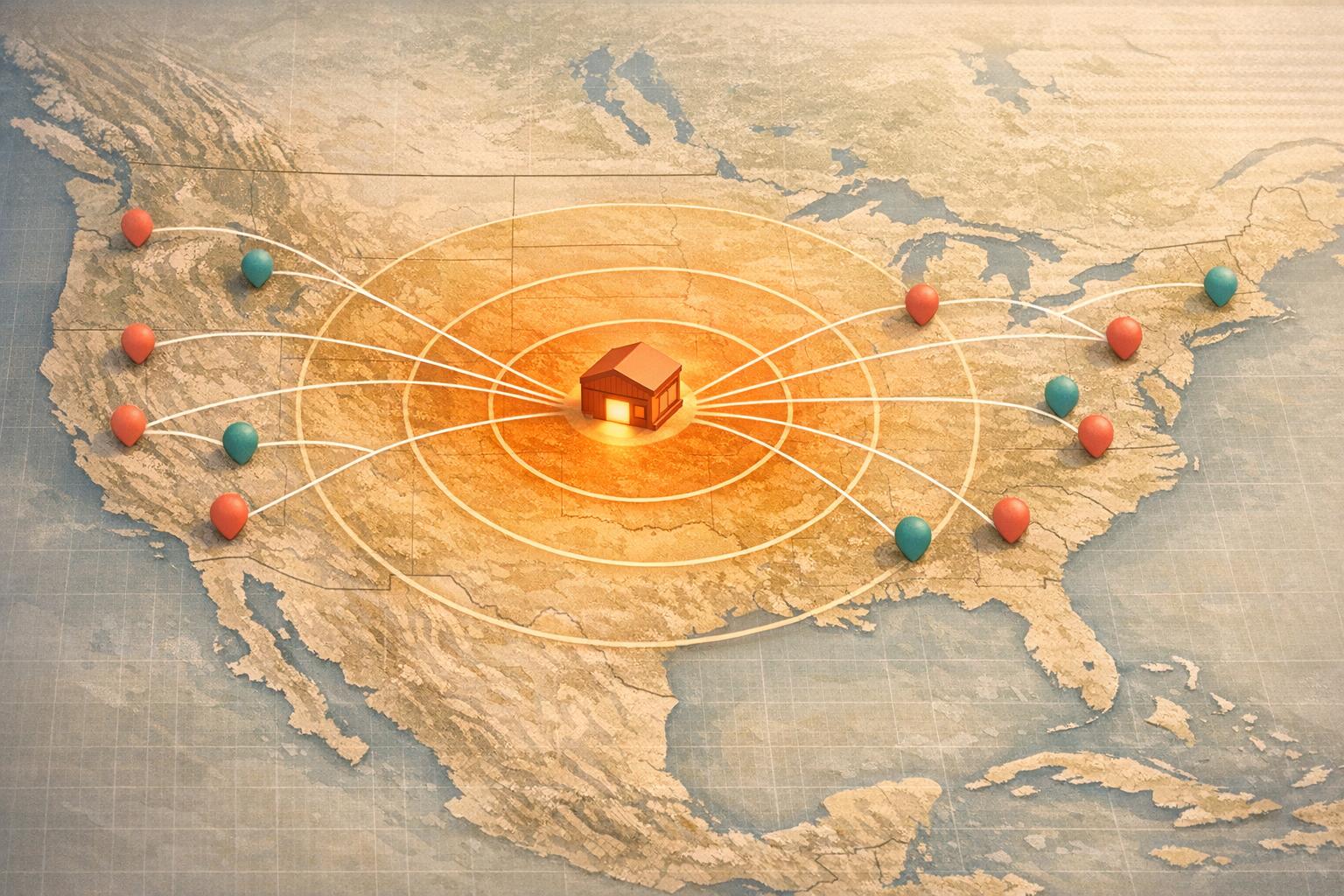
Optimize Your Supply Chain with a Warehouse Location Analyzer
Managing a supply chain can feel like juggling too many balls at once. Businesses often struggle with long delivery times, high shipping costs, and inefficient distribution networks. That’s where a smart logistics solution comes in. By analyzing the proximity between your storage facilities and customer bases, you can cut down on delays and keep your operations running smoothly.
Why Location Matters in Logistics
The distance between your warehouses and customers directly impacts delivery speed and expenses. A tool designed for mapping out these connections helps you assign regions to the nearest distribution point, ensuring faster turnarounds. Imagine slashing days off your shipping schedule just by rethinking which facility serves which area. Beyond time savings, this approach can lower fuel costs and improve customer satisfaction—key wins for any growing business.
Making Data-Driven Decisions
Gone are the days of guesswork in logistics planning. With advanced analysis at your fingertips, you can input location data, review estimated transit times, and get tailored recommendations. Whether you’re expanding to new markets or refining an existing network, leveraging technology to optimize your distribution strategy is a game-changer for efficiency.
FAQs
How does the Warehouse Location Analyzer determine the best warehouse for each region?
Great question! Our tool uses a mock distance matrix to measure the proximity between each warehouse and customer region you input. Then, it estimates delivery times based on a simple rule—1 day for every 500 miles of ground shipping. The warehouse with the shortest delivery time is recommended for each region, assuming equal capacity unless you specify otherwise. If there’s a tie, we’ll note it and let you decide based on other factors.
What if I enter an invalid location or zip code?
No worries, we’ve got you covered. If a location or zip code doesn’t make sense—like a typo or an unrecognized city—our tool will flag it with a clear error message. You’ll get feedback like ‘Invalid entry for Region X, please check and try again.’ This way, you can quickly fix the issue and rerun the analysis without frustration.
Can this tool handle multiple warehouses and customer regions?
Absolutely, it’s built for that! You can input as many warehouse locations and customer regions as you need. The analyzer will process all of them at once, mapping out the most efficient assignments for each region. Whether you’ve got two warehouses or twenty, the tool scales to match your logistics setup and delivers detailed results you can act on.
Related Articles
7 WooCommerce 3PL KPIs Teams Track

Centralized vs Decentralized Replenishment
