
Reorder Point Calculator
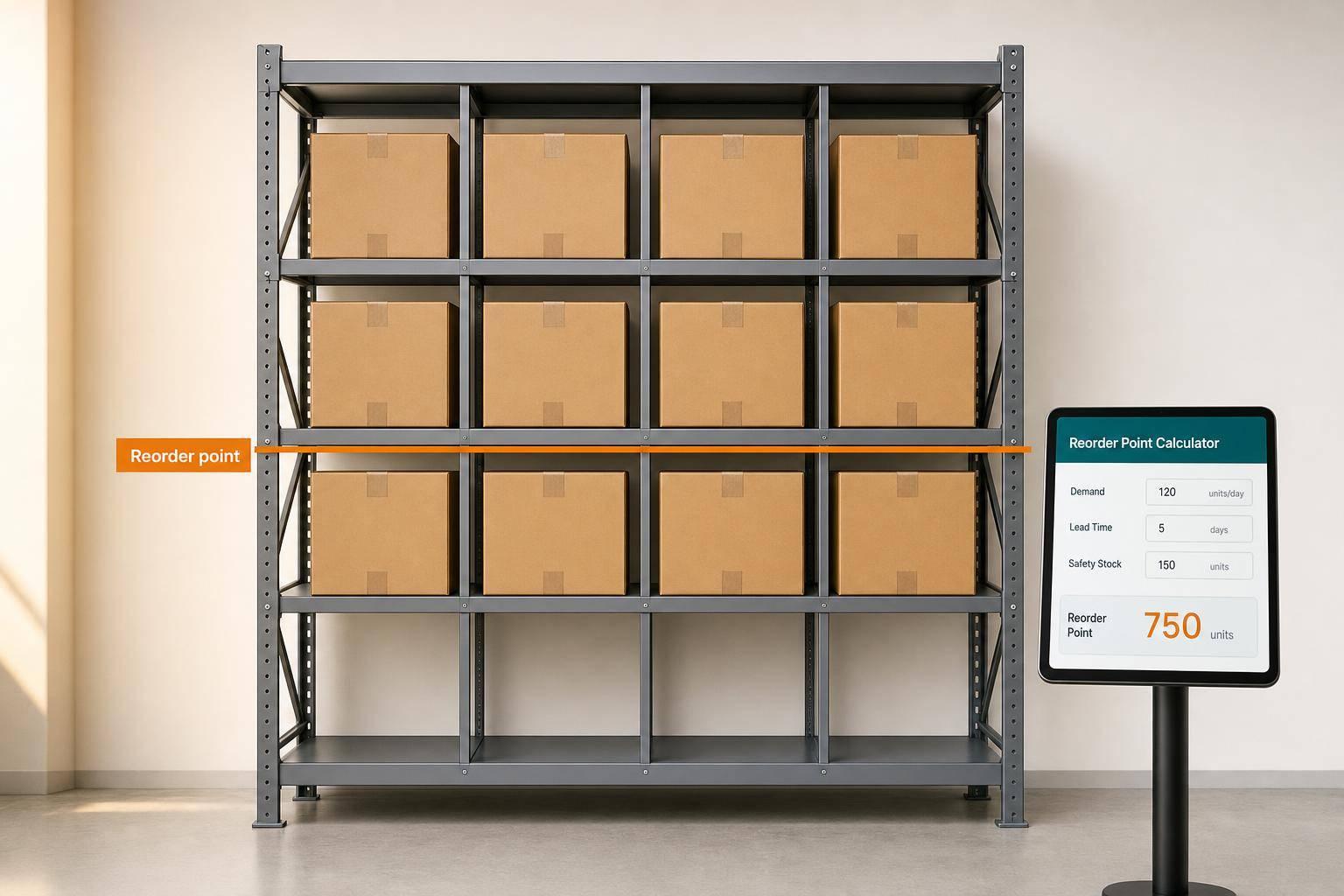
Reorder Point Calculator
Plan inventory with more confidence
A reliable reorder point calculator helps you decide exactly when to place your next purchase order before stock runs too low. For many businesses, that timing is the difference between smooth fulfillment and costly stockouts. This tool keeps the process simple: enter average demand, lead time, and safety stock, then get an instant result that’s easy to act on.
Built for clear, practical inventory planning
The calculator works in either daily or weekly mode, which makes it easier to match the way your team already tracks sales and supplier timelines. By keeping those units separate, it reduces mistakes caused by mixing days and weeks in the same formula. You’ll see demand during lead time first, followed by the reorder point quantity, so the logic stays transparent.
A simple formula that supports better decisions
If you manage purchasing, operations, or stock control, a good inventory reorder level can help balance availability with efficiency. This reorder point calculator is especially useful for small businesses, ecommerce brands, wholesalers, and teams looking for a faster way to support inventory planning without digging through spreadsheets.
FAQs
What is a reorder point, and why does it matter?
A reorder point is the inventory level that tells you when it's time to place a replenishment order. It matters because it helps you avoid stockouts during supplier lead time while keeping extra inventory under control. Instead of guessing when to reorder, you use demand and lead time data to make a more consistent decision.
Should I use daily mode or weekly mode?
Use the mode that matches how you normally track demand and supplier timing. If your business reviews sales by day and lead times are measured in days, daily mode is the better fit. If you plan inventory at a weekly level, weekly mode will feel more natural. The important part is staying consistent, which is why only one time basis should be active at a time.
Does safety stock need to be included?
Safety stock is optional in theory, but in practice it's often a smart buffer. It helps protect you against demand spikes, supplier delays, or normal forecasting variation. If you set safety stock to zero, the calculator still works, but your reorder point will reflect only expected demand during lead time, with no extra cushion.
Related Articles
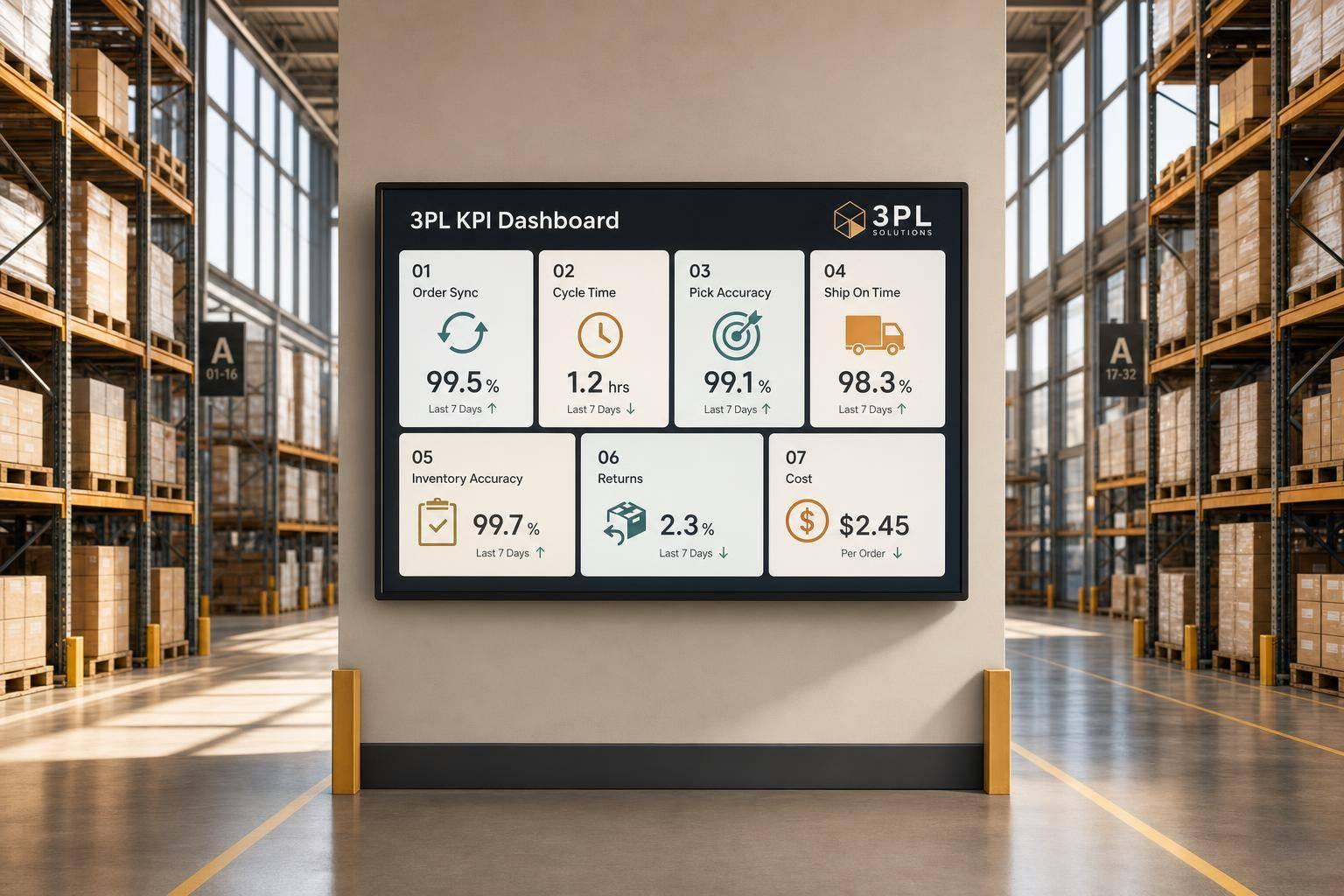
7 WooCommerce 3PL KPIs Teams Track

Centralized vs Decentralized Replenishment
