
SKU Profit Margin Calculator
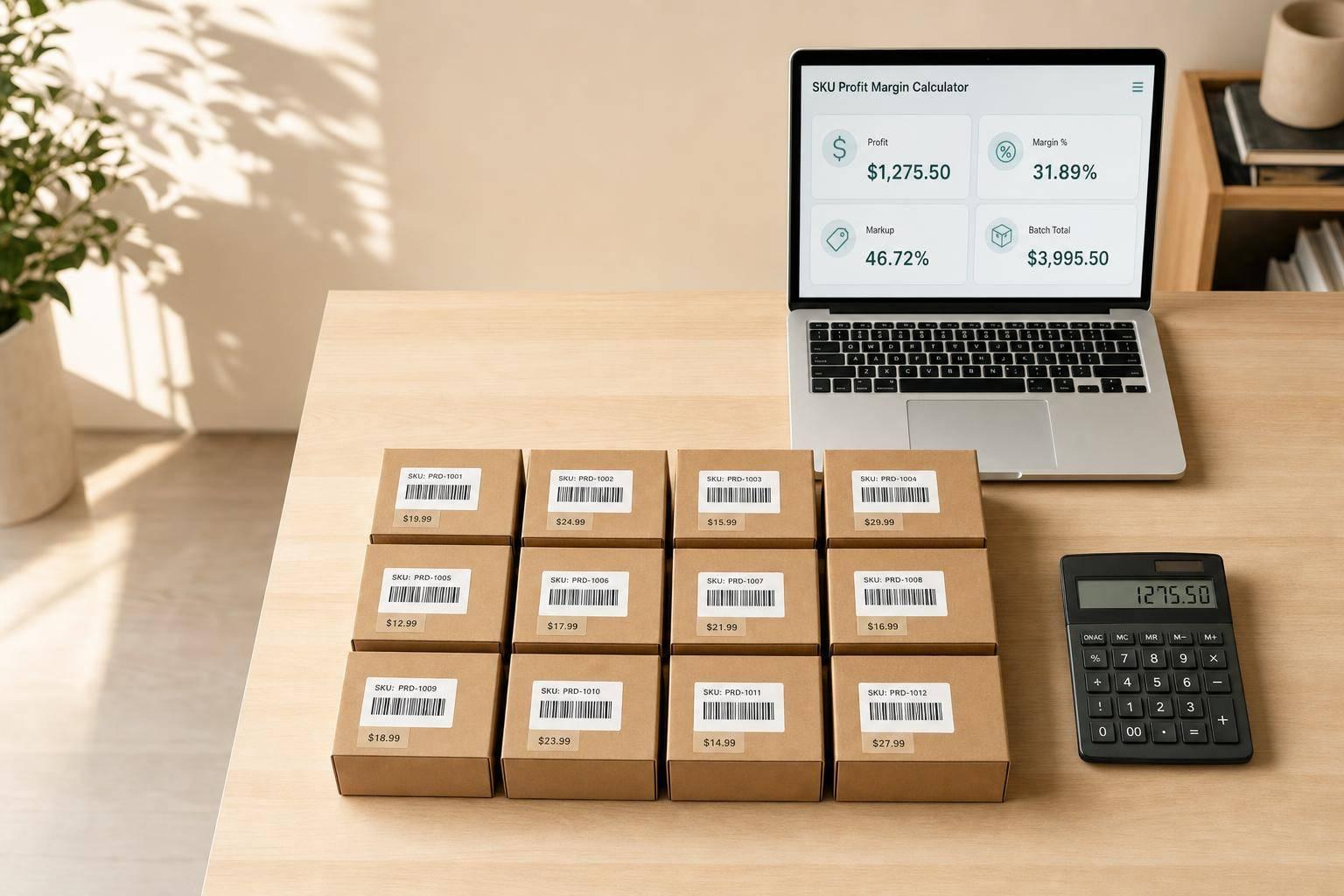
SKU Profit Margin Calculator
A SKU Profit Margin Calculator gives you a clearer picture of product performance than selling price alone ever could. For many businesses, especially ecommerce brands, wholesalers, and marketplace sellers, small costs add up fast. Shipping, payment fees, packaging, and variable expenses can quietly eat into profit even when a product appears to be selling well.
Why accurate SKU analysis matters
When you break profitability down to the product level, better decisions follow. You can spot which items deserve more ad spend, which ones need a price adjustment, and which SKUs may be dragging down the business. A reliable product margin calculator helps remove guesswork by showing net revenue, total cost per unit, profit, margin, and markup in one simple view.
A practical tool for daily pricing decisions
This SKU Profit Margin Calculator is especially useful when you need quick answers. Enter your selling price and relevant costs, optionally exclude tax from revenue, and see whether an item is profitable, break-even, or loss-making. If you're reviewing a larger order, add quantity to estimate total revenue, total cost, and total profit for the full batch. It’s a straightforward way to evaluate unit economics before you restock, reprice, or scale.
FAQs
What’s the difference between profit margin and markup?
Profit margin measures how much of your net revenue is left as profit after costs. Markup measures how much profit you make compared with your cost base. They sound similar, but they answer different questions. Margin is useful for pricing performance and revenue efficiency, while markup is often used when setting prices from cost.
Should I include tax in the selling price?
If part of the selling price is tax that you collect and pass through, it usually makes sense to exclude that amount from revenue. That gives you a cleaner view of what the business actually keeps before comparing it against costs. If tax is already handled elsewhere in your pricing workflow, you can leave that field blank.
Can I use this calculator for batch purchasing or inventory planning?
Yes. The quantity field is useful when you want to estimate the total impact of a purchase order, production run, or inventory batch. You’ll still get the per-unit view, but you’ll also see total revenue, total cost, and total profit, which makes it easier to evaluate larger decisions before committing cash.
Related Articles
7 WooCommerce 3PL KPIs Teams Track

Centralized vs Decentralized Replenishment
